Sometime around October 2025, I kept seeing the acronym "MCP" in AI discussions. Model Context Protocol. It sounded like something from an enterprise architecture committee that had been meeting for too long. I read the documentation, understood approximately 60% of it, and moved on with my life.
Then I came back to it. Then I read it again. Then I built one. And then everything clicked.
MCP is one of those concepts that's genuinely simple once you understand it, but getting to that understanding involves wading through documentation that assumes you already know why you need it. So here's the version I wish I'd read first.
The Problem MCP Solves (In Plain English)
Here's the thing about AI models like Claude or GPT: they're incredibly smart, but they're also incredibly isolated. By default, they can't see your database. They can't read your project management board. They can't check your browser. They can't access your file system. They exist in a bubble, and you communicate with them by typing text into a box.
For casual use, this is fine. For development work, it's limiting. You end up copying and pasting constantly - error logs from Application Insights, database records from MongoDB, code from your editor, task descriptions from your project board. You become a human clipboard, shuttling context between systems that can't talk to each other.
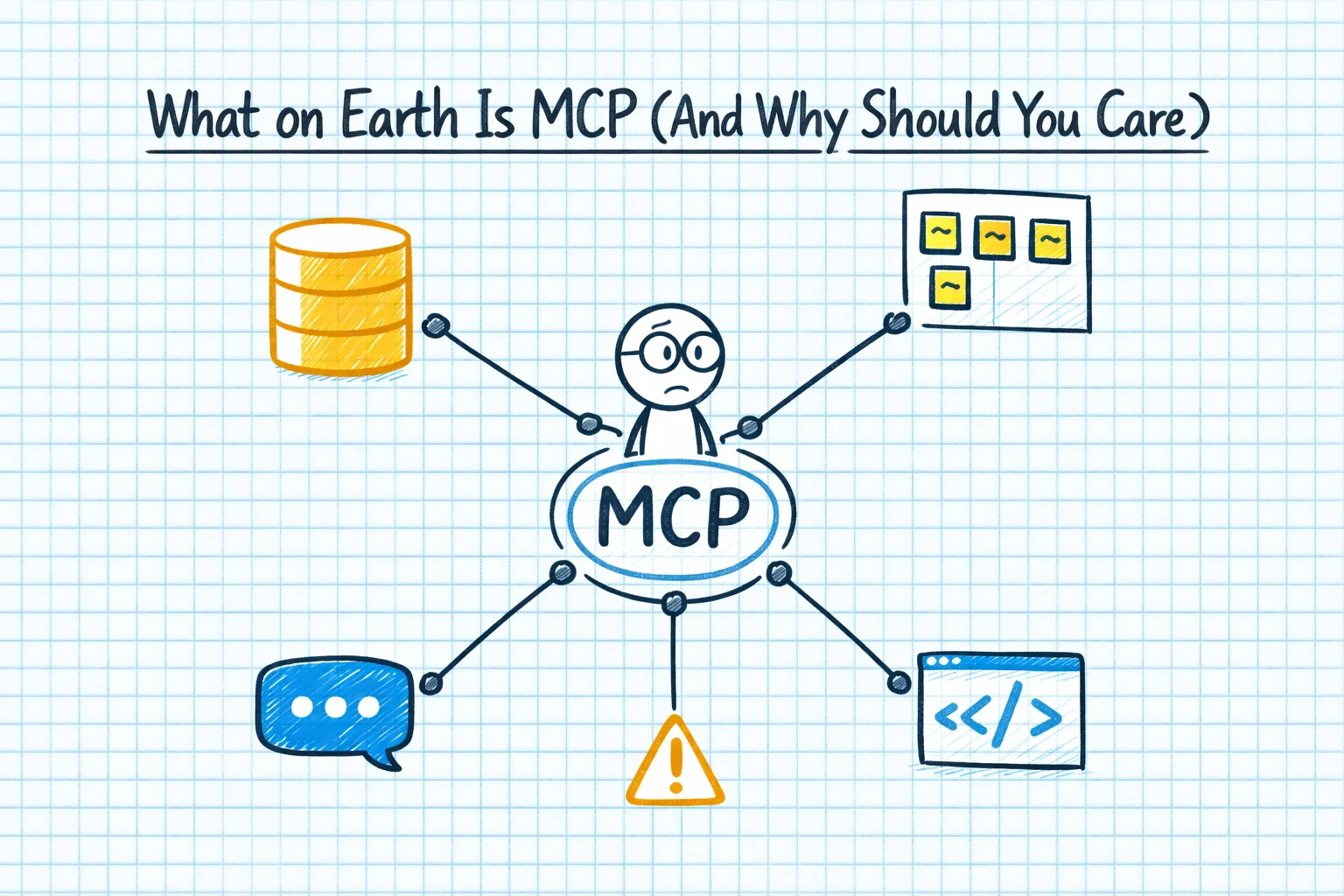
MCP fixes this. It's a standard protocol - think of it like USB, but for AI. Instead of every AI tool building its own custom integration with every data source, MCP provides a common interface. You build an MCP server that connects to your data source, and then any AI tool that supports MCP can talk to it.
That's it. That's the concept. It took me about two weeks of reading and experimenting to get to that one-paragraph explanation.
The Lightbulb Moment
The moment it clicked for me wasn't reading the documentation. It was building my first MCP server.
I built one that connected Claude Code to our MongoDB database. Instead of copying a document from MongoDB Compass, pasting it into Claude, and asking "what's wrong with this record?", I could just say "look at the user record for this ID" and Claude would go fetch it directly.
Then I built one for Task Board - our project management tool. Claude could read tickets, understand the context, and start working on tasks without me having to describe the problem from scratch every time.
Then Chrome. Then Brave for web search. Each MCP server added another sense to the AI. It went from being a brain in a jar to being a brain with eyes and hands.
That's when the abstraction layer clicked. The AI doesn't need to know how MongoDB works internally. It doesn't need to understand the Task Board API. It just needs to know it can ask the MCP server to "get this document" or "read this ticket", and the MCP server handles the details.
Why Most People Still Don't Get It
MCP has a marketing problem. The name is terrible - "Model Context Protocol" sounds like something from an enterprise architecture committee that's been meeting for too long. The documentation assumes you already understand why you need it. And the examples tend to be either trivially simple or overwhelmingly complex.
Here's how I'd explain it to a developer who's never heard of it:
You know how your IDE has extensions? Some let it connect to Git. Some let it connect to Docker. Some let it connect to a database. Each extension gives your IDE a new capability without the IDE needing to understand the internal details of that system.
MCP is the same thing, but for AI. Each MCP server is like an extension that gives the AI a new capability. And because it's a standard protocol, you build the server once and it works with any MCP-compatible AI tool.
What We're Actually Using It For
In our daily workflow, MCP is quickly becoming essential. Here's what our setup looks like:
MongoDB MCP: Claude can read and query our databases directly. When investigating bugs, it can look at actual production data instead of relying on my description of what the data looks like.
Task Board MCP: The AI reads task descriptions, understands the requirements, and can update tickets with progress notes. The workflow becomes: pick up a task, Claude reads the details, we discuss approach, implement, and Claude updates the ticket when it's done.
Chrome MCP: Claude can interact with web pages - useful for testing, for reading documentation, and for debugging UI issues where you need to see what the browser is actually rendering.
Each of these would have been a custom integration project before MCP. With MCP, they're standardised components that work with any compatible AI tool. If we switch from Claude to a different AI model tomorrow, the MCP servers still work.
The Metaverse Called. AI Answered.
There's a wider point here about where technology is actually heading. Remember the metaverse? Virtual offices. Digital twins. Mark Zuckerberg spending billions on VR headsets and virtual meeting rooms. The entire tech industry was convinced that the future of work was spatial computing and avatars.
The metaverse was supposed to be the workplace revolution. Then AI came along.
We built a Meta Quest VR coding app for The Code Zone. We were genuinely excited about VR as a learning platform. And it's still interesting technology. But the conversation has completely shifted. Nobody's asking "how do we work in VR?" anymore. They're asking "how do we work with AI?"
MCP is a concrete example of why. The metaverse tried to change where we work. AI is changing how we work. And "how" beats "where" every time, because productivity matters more than environment.
MCP is infrastructure for this new way of working. It's not glamorous. It's not going to be on the cover of any magazines. But it's the plumbing that makes AI actually useful in real development workflows, and every developer who's serious about AI-first development is going to encounter it sooner or later.
Getting Started
If you want to try MCP, the barrier to entry is lower than you'd think. The official documentation has decent getting-started guides, and there are pre-built servers for common tools - GitHub, Slack, databases, file systems. If you're comfortable building a basic API, you can build a custom MCP server in an afternoon.
Start with one server for one data source you access frequently. Once you feel that click - the moment when your AI assistant reaches out and grabs data instead of waiting for you to paste it in - you'll understand why this matters.
It took me about two weeks of reading and experimental builds to get there. With a bit of guidance, you could probably do it in an afternoon.