Six months ago I asked an AI if it could read my screen. Today I'm running autonomous agents that triage bugs in my codebase, building MCP integrations into products, and genuinely struggling to remember how I worked before this.
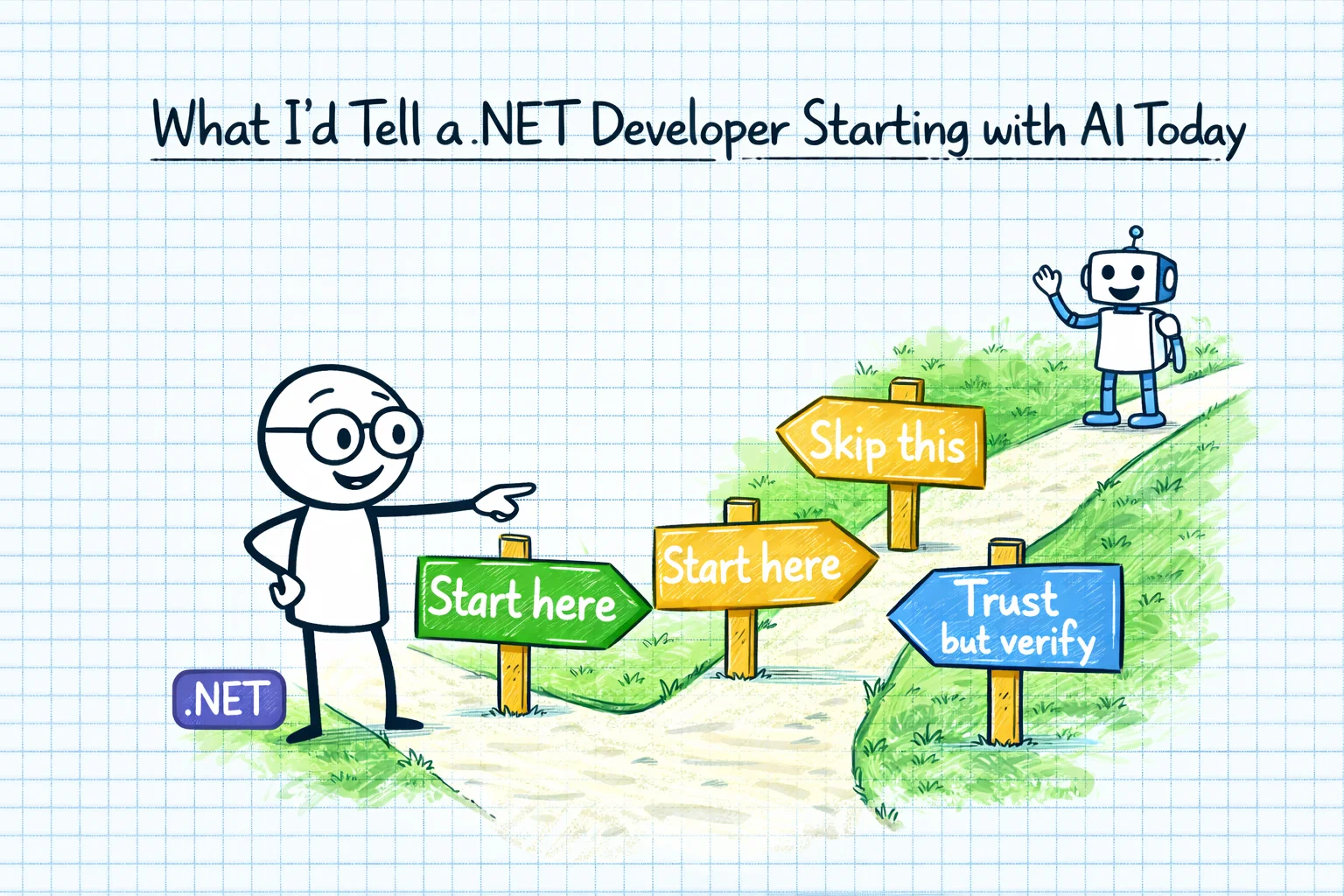
That's a steep curve. If I could compress everything I've learned into advice for a .NET developer starting today, here's what I'd say.
1. Start with Chat, Not Code
Don't start by asking AI to write code. Start by asking it to think with you.
Use Claude to talk through architecture decisions. Use it to compare approaches. Use it to understand a new technology or framework before you commit to it. The thinking-partner use case is underrated by developers because we're conditioned to see AI as a code generation tool. It's so much more than that.
When I was thinking through a product's strategy, AI wasn't writing code - it was helping me analyse competitive positioning and model different scenarios. When I was launching TestPlan, it wasn't building features - it was challenging my positioning and helping me think through pricing strategy. Start there. The code generation will come naturally once you've established the thinking relationship.
2. Don't Replicate Your Visual Studio Workflow
This is the hardest advice for a .NET developer to hear: stop trying to make AI-first development feel like Visual Studio. It's a different paradigm, and fighting it will only slow you down.
Terminal-first feels wrong at first. Describing what you want instead of typing it feels inefficient. Having an agent modify your files instead of doing it yourself feels like giving up control. All of these feelings are valid. All of them fade with practice.
Give it two weeks. Genuinely commit to the new workflow for two weeks before you judge it. By the end of week one, it'll feel less alien. By the end of week two, you'll start seeing the productivity gains. By the end of month one, you'll wonder why you were doing so much by hand.
3. Learn the Trust Calibration Early
AI output is not all created equal. Learn to feel the difference between:
High confidence: conceptual explanations, comparisons, documentation summaries, code for well-known patterns.
Medium confidence: code generation for your specific codebase, refactoring suggestions, test generation.
Low confidence: complex configurations, version-specific APIs, anything combining multiple systems you've customised.
This calibration will save you hours of debugging confidently-wrong AI output. When AI produces a Blazor component, it's probably 90% right. When it produces an Azure DevOps pipeline for your specific deployment setup, it's probably 60% right. Adjust your review effort accordingly.
4. MCP Is Worth Understanding Now
Model Context Protocol is how AI tools will integrate with everything. Your task management system, your database, your monitoring tools, your deployment pipeline - MCP is the bridge that connects AI agents to external systems.
It's still early and the ecosystem is immature, but understanding MCP now will put you ahead of the curve. I've built MCP servers for Task Board and MongoDB, and while the process was more painful than it should have been, the result is genuinely powerful: AI agents that can query real data and take real actions, not just generate code in isolation.
If you're building SaaS products, start thinking about how MCP integration might work for your users. This is going to be a differentiator.
5. The "AI Co-Founder" Use Case Is Underrated
If you're building products or running a business, use AI for strategy, not just implementation. Naming, positioning, competitive analysis, pricing, market research - these are all areas where AI provides genuine value.
The key is to use it as a thinking partner, not an oracle. When Claude told me I was "falling into a classic trap" with CoSurf feature creep, it wasn't making a business decision for me. It was surfacing a pattern I was too close to see. That's the value.
6. Build Custom Routines Early
If you find yourself doing the same thing more than three times, build a custom slash command or agent instruction for it. Scaffolding Blazor components. Running code reviews. Generating test fixtures. Setting up new API endpoints.
The upfront investment is small - usually just a markdown file describing the pattern - and the time savings compound fast. My Blazor component scaffold command saves me five minutes per component. Over a month of active development, that's hours.
7. Token Limits Are a Design Constraint
This one's .NET specific. Blazor components can get large. Razor files with a lot of markup, event handlers, and cascading parameters easily blow past token limits. And when the AI can't see the whole file, it makes mistakes.
Start thinking about component size as a design constraint. Not in a "everything must be tiny" way, but in a "large monolithic components are now harder to work with" way. This is actually good design practice anyway - smaller, focused components are easier to test, easier to reason about, and now easier for AI to work with too.
8. The Subscription Landscape Is Confusing. Here's What Works.
Claude Max gives you both the chat interface and Claude Code usage. That's your foundation. If you want the IDE experience, Cursor adds AI integration to a VS Code-based editor. If you're building AI into products, you'll need API access separately.
You probably don't need all of them simultaneously. Start with Claude Max, add Cursor if you miss the IDE experience, and only worry about API access when you're building AI features into your own products.
9. AI Doesn't Replace Expertise. It Amplifies It.
This is the most important thing I've learned, and I've saved it for last.
The WebJob deployment pipeline eventually worked - not because Claude got it right, but because I understood Azure deployments well enough to recognise when it was wrong and steer it toward the correct solution. The bug triage agent produces useful results - not because it understands our codebase, but because I can evaluate its findings against my knowledge of the system.
AI makes good developers more productive. It doesn't make non-developers into developers. The domain knowledge, the architectural thinking, the ability to evaluate trade-offs - that's still yours. AI is the amplifier, not the instrument.
If you're a .NET developer who's been doing this for a while, you have exactly the foundation you need to get massive value from AI. Your expertise isn't being replaced. It's about to become much more powerful.
Start today. Ask a stupid question. Get a surprising answer. And enjoy the ride - because I promise you, it's the most interesting thing happening in software development right now.