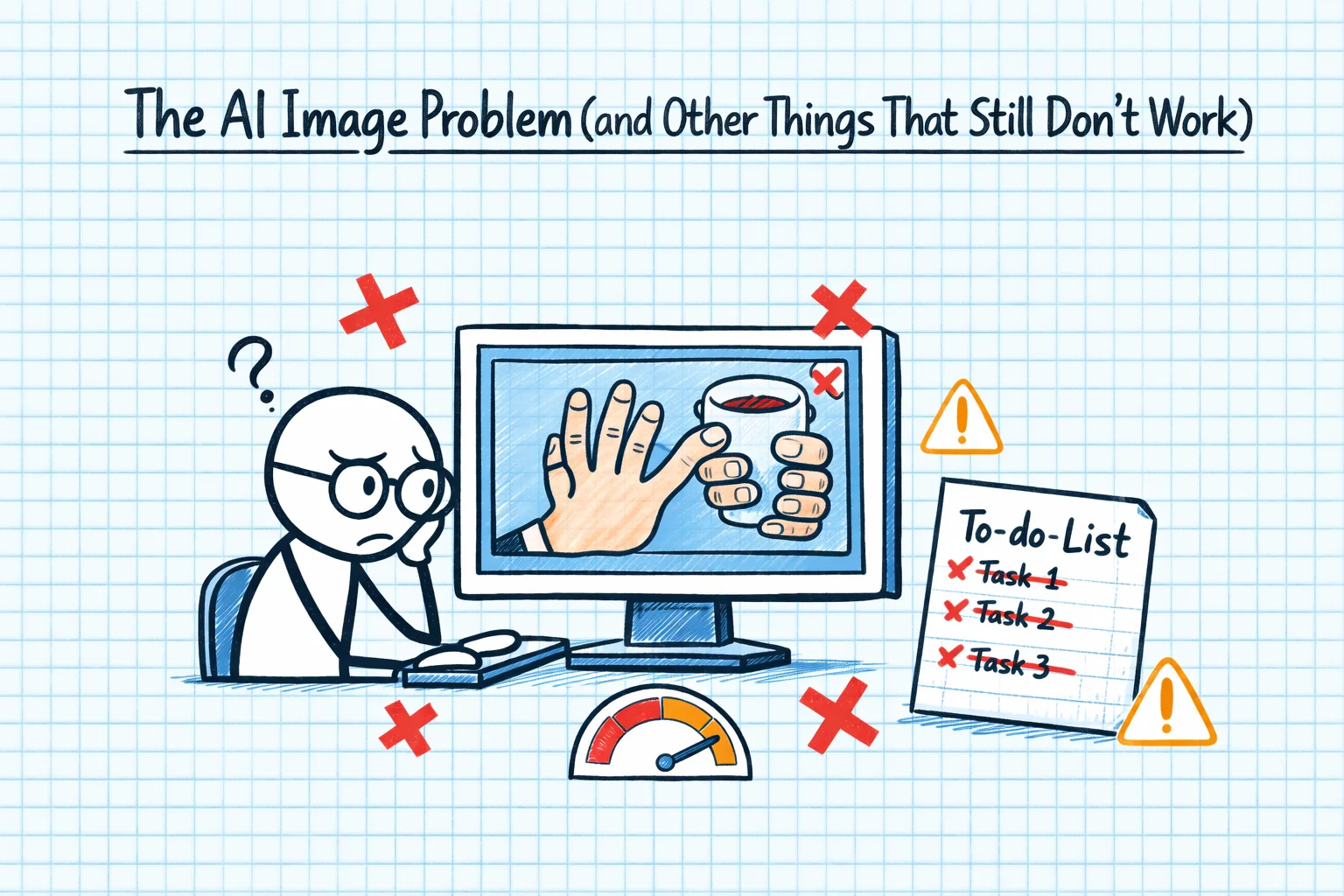
Every AI journey post that only talks about wins is lying. Or at least being extremely selective with the truth. So here's the counterpoint: the stuff that doesn't work, the limitations that genuinely frustrate me, and the things I wish someone had warned me about.
The Image Problem
I cannot tell you how many conversations I've had that went like this:
"I need hero images for my website."
"I can help you craft prompts for image generation tools like Midjourney or DALL-E, but I can't generate images directly."
"Can you connect to ChatGPT to use DALL-E?"
"No, I'm Claude. I'm a separate system."
This sounds trivial. It isn't. When you're building a website - and I was building several, for CoSurf, TestPlan, and The Code Guy itself - you need images. Lots of images. And the AI that's brilliant at everything else simply cannot produce them. You end up with a split workflow: Claude for code and content, ChatGPT or Midjourney for images, and a lot of copying prompts between systems.
It's not a dealbreaker, but it's a constant friction point. Especially when you know that other AI systems can generate images, and you find yourself maintaining separate subscriptions and workflows for what feels like it should be one integrated process.
The Confident Wrongness
This is the big one. Claude is wrong sometimes, and when it's wrong, it's wrong with the same confidence and authority as when it's right. There's no hedging, no "I'm not sure about this". Just a clear, well-structured, professionally presented incorrect answer.
I've had it give me Azure CLI commands with wrong flag names. Configuration file paths that don't exist. Blazor component patterns that use deprecated APIs. NuGet packages that were real six months ago but have since been renamed or removed.
For an experienced developer, this is manageable. You develop a sense for when something smells off, and you verify before deploying. But for someone learning, or for someone working in an unfamiliar domain? Confidently wrong answers are worse than no answer, because they send you down a rabbit hole of debugging something that was never going to work.
The Context Window Wall
"File content exceeds maximum allowed tokens."
If you work with Blazor, you know this pain. Blazor components can get big. Really big. A single .razor file with markup, code-behind logic, and cascading parameters can easily exceed what Claude can process in one go. And when it can't see the whole file, it makes changes based on partial context - which means it sometimes generates code that conflicts with the part of the file it couldn't see.
I've restructured components specifically to stay within token limits. That's not good design - that's working around tooling limitations. It's like writing methods that fit on a punch card. We've been here before in computing, and the answer has always been "make the limits bigger", not "make the code smaller". I trust that context windows will grow. But right now, they're a real constraint.
The "This Code Doesn't Work" Loop
There's a pattern I hit more often than I'd like:
- Ask Claude for code to solve a specific problem
- It produces code that looks correct
- The code doesn't work
- I say "this doesn't work" and paste the error
- It apologises and produces revised code
- The revised code has a different problem
- Repeat steps 4-6 two more times
- I give up and solve it myself, using the AI's attempts as a rough guide
This is most common with complex configurations - CI/CD pipelines, Docker networking, Azure resource provisioning - where the specific combination of your environment, versions, and setup creates a configuration space that's hard to get right through iteration alone.
The frustrating thing is that each individual step often looks like progress. The error changes, the code gets closer, and you think you're converging on a solution. But sometimes you're not - you're just oscillating between different wrong answers.
The Tooling Configuration Problem
Setting up Claude Code itself was more painful than it should have been. Configuration file locations that didn't match the documentation. Settings that were supposed to work but didn't. Errors that gave no useful diagnostic information.
This is partly growing pains - the tooling is new and evolving fast. But it's also an irony: the AI that's supposed to make development easier was itself difficult to set up. I spent a non-trivial amount of time getting Claude Code configured correctly, troubleshooting MCP server connections, and figuring out why custom slash commands weren't loading.
What I Actually Do About These Problems
I'm not writing this post to discourage anyone from using AI. I use it every day, and it's genuinely transformative. But I think being honest about the limitations is important, because it helps you develop the right expectations and the right workflows.
For images: I maintain a separate workflow with image generation tools. It's friction, but it works.
For confident wrongness: I verify anything that goes to production. I treat AI output like code from a very smart junior developer - probably right, but needs review.
For context windows: I've learned to work in smaller chunks, provide clear context about what the AI can't see, and structure my code with AI tooling in mind.
For the "doesn't work" loop: I give it three iterations. If it's not converging by then, I step back, solve the core problem myself, and use the AI for the parts it's good at.
The limitations are where the real learning happens. Anyone can be productive with AI when it's working perfectly. The skill is knowing what to do when it isn't.