By September 2025, I'd moved past the "can you make images?" phase and started throwing real work at Claude. Proper work. Azure DevOps pipelines, MongoDB Atlas configuration, Blazor component debugging - the unglamorous stuff that fills an actual developer's day.
The pattern that emerged was fascinating, and I think it's the same pattern most developers will go through. You bring a specific technical problem. You get a detailed, confident answer. You try it. It doesn't work. You go back and say "still not working". You iterate. Eventually, between your domain knowledge and the AI's breadth, you get there.
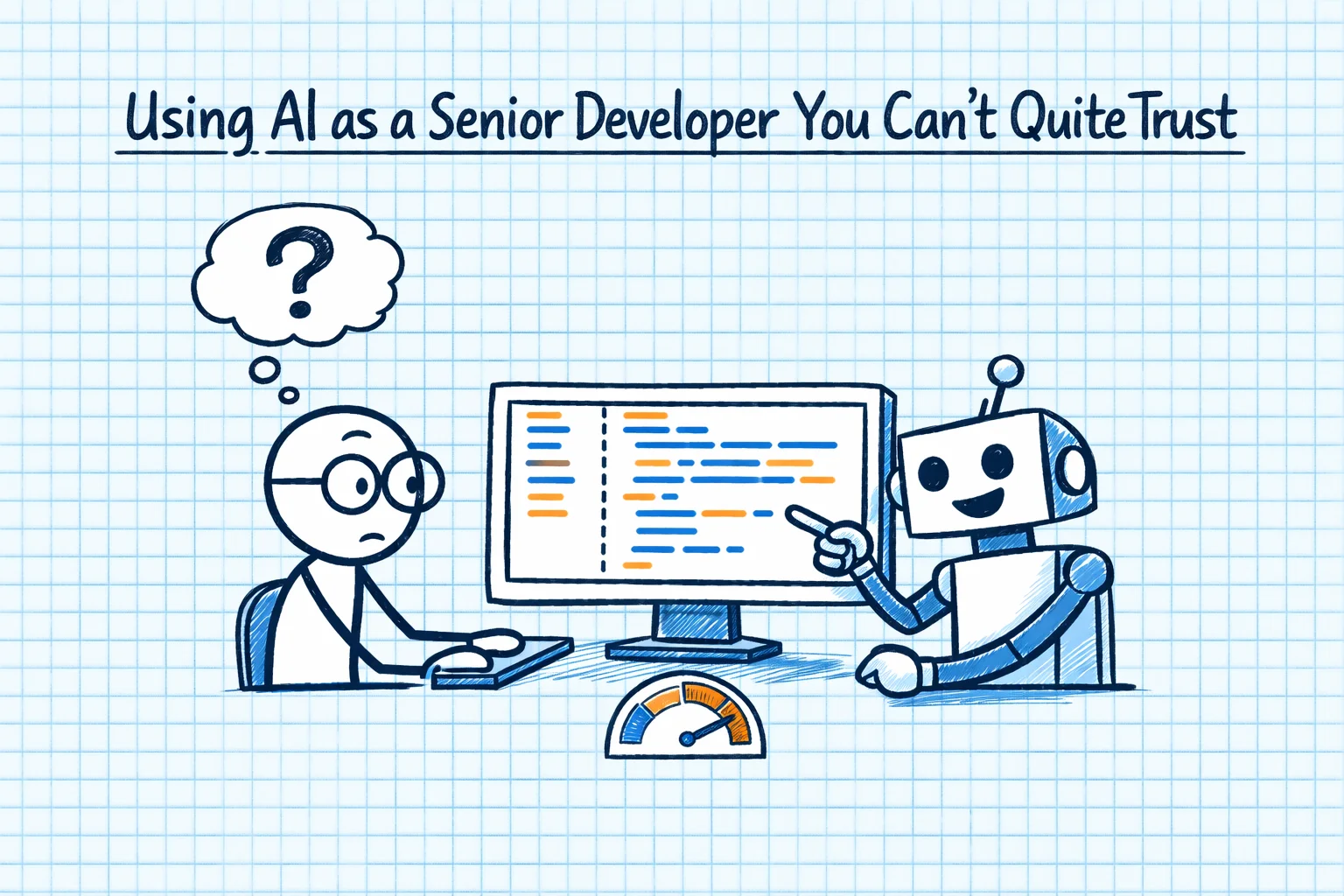
It's like working with a very senior developer who's read every piece of documentation ever written but has never actually deployed anything to production.
The WebJob Pipeline That Nearly Broke Me
The clearest example was building Azure DevOps deployment pipelines for a WebJob-based service. Now, if you've worked with Azure DevOps YAML pipelines, you know they're finicky. Small YAML indentation issues, wrong task versions, incorrect path configurations - any of these will give you a failed build with an error message that might as well be written in ancient Sumerian.
I described what I needed to Claude. I got back a beautifully formatted YAML pipeline that looked absolutely correct. I committed it, ran it, and it failed. I went back, described the error. Got a revised version. Failed again, different error. Back and forth, maybe five or six times.
Here's the thing though - and this is the key insight for any developer using AI for this kind of work - every iteration got closer. The AI wasn't randomly guessing. It was systematically narrowing down the problem. And critically, I could tell when it was on the right track because I understood the domain. I knew what a WebJob deployment should look like. I just couldn't remember the exact YAML syntax and task configuration.
That's the sweet spot. AI is extraordinary when you know what the answer should roughly look like but can't quite get the specifics right.
The Trust Calibration Curve
After a few weeks of this, I'd developed what I think of as a trust calibration. It goes something like this:
High trust: Explanations of concepts, comparisons between technologies, summarising documentation, suggesting approaches to problems. Claude is genuinely excellent at this. When I was investigating whether to move from Azure P3v3 to P4v4 tier App Service Plans, the comparison it provided was more thorough and better organised than anything I could have found through manual research.
Medium trust: Code generation for well-known patterns. If you ask it to write a standard Repository pattern in C#, or create a Blazor component for a data grid, it'll produce something solid about 80% of the time. The other 20% will have subtle issues - wrong namespace, deprecated method, slightly off API signature. You need to review it, but it's a good starting point.
Low trust: Complex configuration, anything involving specific versions or paths, and particularly anything that combines multiple systems. That WebJob pipeline was a perfect example. The AI knows what each piece should look like in isolation, but the specific combination of your Azure subscription setup, your solution structure, and your deployment targets creates a configuration space it hasn't seen.
The MongoDB Atlas Incident
I had a proper head-scratcher with MongoDB Atlas VPC peering. The CIDR blocks were conflicting, and I was getting connection timeouts from my Azure App Service. I described the setup to Claude, expecting a quick answer.
What I got was a detailed explanation of how VPC peering works, why CIDR conflicts cause issues, and three possible solutions - each with trade-offs clearly explained. This was genuinely useful. It saved me probably an hour of reading documentation and Stack Overflow threads.
But when it came to the specific Azure networking commands to fix it? It got the Azure CLI syntax slightly wrong. Not completely wrong - close enough that I could see what it was going for and fix it myself. But if I'd been a less experienced developer, I might have assumed it was correct and spent ages debugging why the commands were failing.
The Blazor Debugging Sessions
Blazor is where things got really interesting. I was dealing with a SignalR message explosion in a Blazor Server app - the kind of issue where your browser tab suddenly decides it needs to have ten thousand simultaneous conversations with the server and everything grinds to a halt.
This is a notoriously difficult problem to diagnose because the symptoms can have multiple causes. Claude walked me through a systematic debugging approach: check the circuit count, look at the reconnection logic, examine the component lifecycle for re-rendering loops. It was methodical and correct.
The fix ended up being something relatively simple - a component was re-rendering unnecessarily on every state change, which was creating cascading SignalR updates. But getting to that diagnosis through conversation was faster than it would have been solo. I was essentially using the AI as a structured thinking tool - it forced me to work through the problem systematically rather than jumping to conclusions.
The Exception Analysis That Changed My Workflow
One of the most unexpectedly useful things I did was dump a large volume of Application Insights exception data into a conversation and ask Claude to categorise and prioritise it. We're talking thousands of exceptions across multiple services.
Within minutes, it had grouped them by type, identified the most frequent offenders, flagged the ones that were likely symptoms of a deeper issue rather than independent problems, and produced a prioritised list of what to fix first. The analysis was good. Really good. Better than I'd have produced manually in the same timeframe, because it wasn't tempted to chase the interesting exceptions rather than the impactful ones.
That was a light-bulb moment. AI isn't just a code generation tool. It's an analysis tool. Feed it data, ask it to find patterns, and it'll often see things you'd miss because you're too close to the problem.
The "Monkey See, Monkey Do" Danger
I want to end this post with a warning, because I think it's important. There's a real danger with AI-generated code that I call the "monkey see, monkey do" problem. The code looks right. It follows patterns you recognise. It has sensible variable names and reasonable structure. So you copy it, paste it, and move on.
But you haven't really understood it. You haven't thought about edge cases. You haven't considered how it interacts with the rest of your codebase. You've outsourced the thinking, not just the typing.
The WebJob pipeline eventually worked. But it worked because I understood Azure deployments well enough to spot when the AI was wrong and redirect it. If I'd been learning Azure from scratch using AI-generated configurations, I'd have been in serious trouble.
AI amplifies your existing expertise. It doesn't replace it. That's the most important thing I learned in these early months, and it's remained true at every stage since.